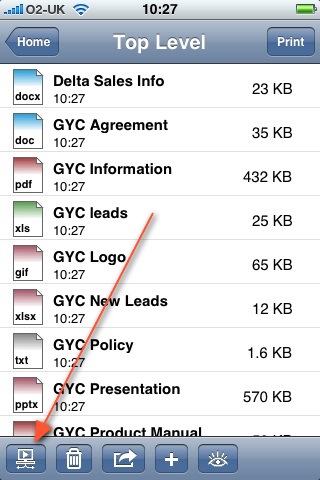
1) Open Print n Share on your iPhone/iPod and click on "Files" and
click on the computer button at the bottom of the screen
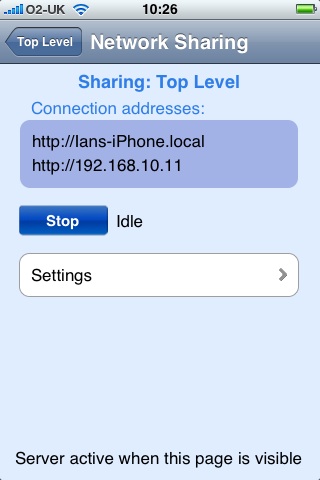
2) Click on "Start" and you will see two addresses appear under
"Connection addreses"
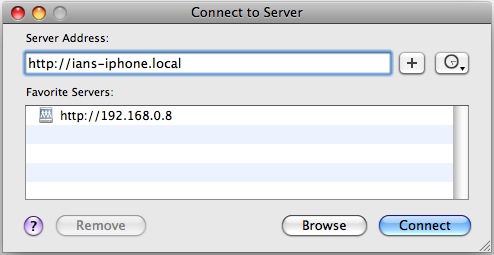
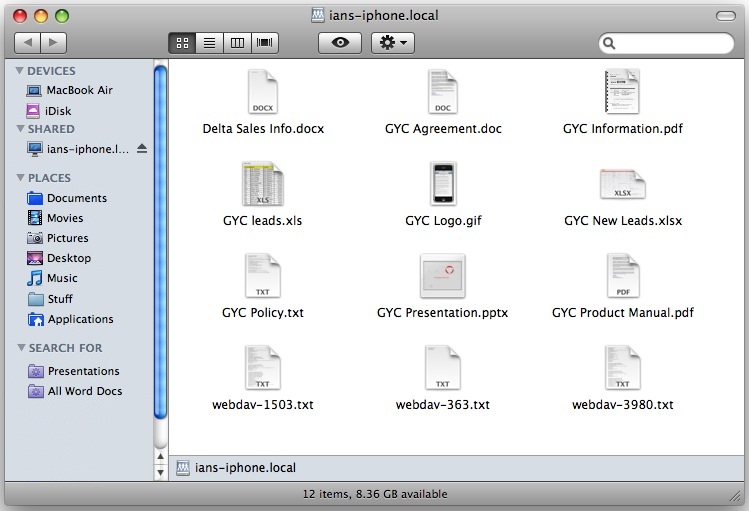
3) Now go to your Mac, ensure you are in your finder and hit
command
K (⌘ K). Now enter
the connection address from your iPhone as displayed in "Network
Sharing". You can use either your iPhone name (http://my-iphone.local)
or the IP address (http://192.168.0.1).
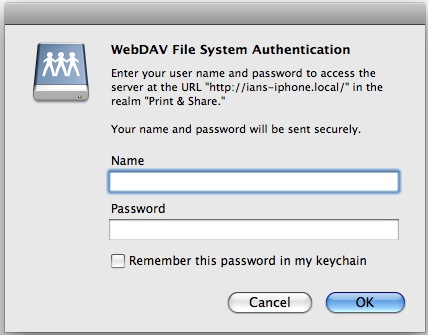
4) Click on
"Connect" and if you have activated the username and password in Print
n Share,
you will be prompted you for it. Enter your details and click ok