




Print for iPad/iPhone
Quickest & easiest way to Print on the move
Wouldn’t it be great just to print out a contact address and phone number, or quickly print out a web
page to read later? How about printing photos from your mobile device Photo
Album? Or even take a picture and print it out straight away. Now you
can! “Print” for iPad/iPhone lets you print information to a printer connected to your computer, via WiFi network
or local.
“Print” for iPad, iPhone will print direct to most WiFi printers, or to ALL printers (Bluetooth, USB, WiFI, Network)
via your Mac/PC using the free WePrint software.
If WePrint is required on your Mac or PC you will not need to touch or be near your computer to print, you simply tap print
on your iPad or iPhone and the computer will act as a relay and automatically pass the print job from your device onto your printer without user intervention.
Installing WePrint on your Mac or PC will also give you the ability to print via 3G/4G, so even when you are out of your office/home you can quickly and easily send print jobs to
your printer from your iPad, iPhone or iPod Touch.
“Print” prints web pages,
contacts and images. “Print
&
Share” also prints emails, stored files and also shares files
with your desktop computer.
Videos
Wouldn’t it be great just to print out a contact address and phone number, or quickly print out a web page to read later? How about printing photos from your mobile device Photo Album? Or even take a picture and print it out straight away. Now you can! “Print” for iPad/iPhone lets you print information to a printer connected to your computer, via WiFi network or local.
“Print” for iPad, iPhone will print direct to most WiFi printers, or to ALL printers (Bluetooth, USB, WiFI, Network) via your Mac/PC using the free WePrint software. If WePrint is required on your Mac or PC you will not need to touch or be near your computer to print, you simply tap print on your iPad or iPhone and the computer will act as a relay and automatically pass the print job from your device onto your printer without user intervention.
Installing WePrint on your Mac or PC will also give you the ability to print via 3G/4G, so even when you are out of your office/home you can quickly and easily send print jobs to your printer from your iPad, iPhone or iPod Touch.
“Print” prints web pages, contacts and images. “Print & Share” also prints emails, stored files and also shares files with your desktop computer.
Videos


Features
Fully Functional Printing
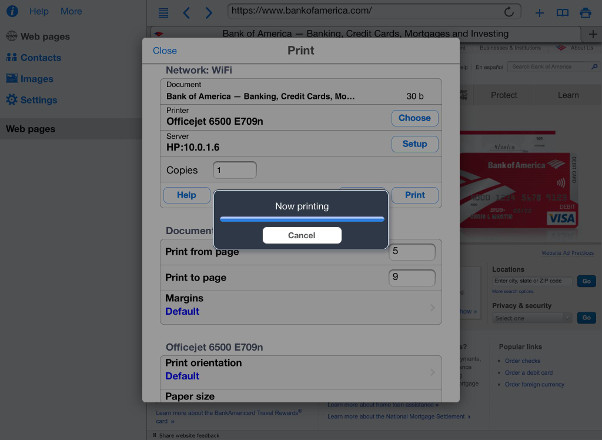
- Print direct to most existing WiFi or shared printers, or use the free printer software for ALL printers
- USB & Bluetooth printers can be used with free print server software, WePrint
- Also print to AirPrint printers
- Print remotely via 3G/4G
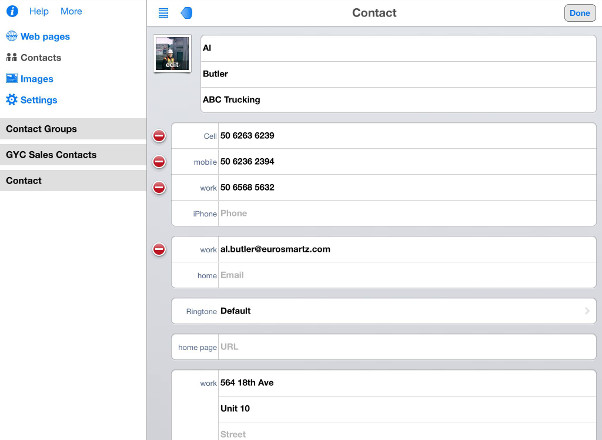
Print contacts
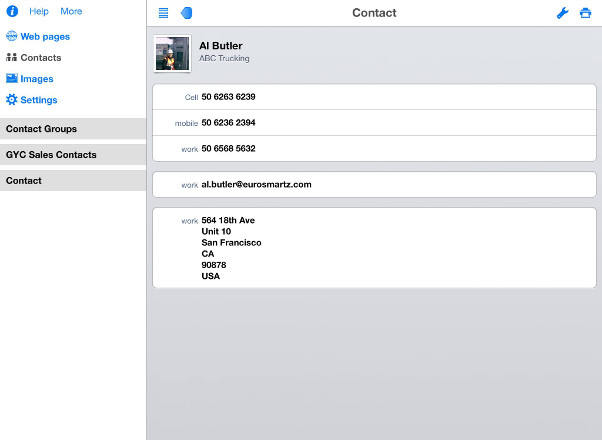
- Select multiple contacts for printing
- Print as combined list or card layout
- Insert contact details into emails
- Add received email addresses to your contacts
- Search for contacts
- Sort by first or last name
Photos
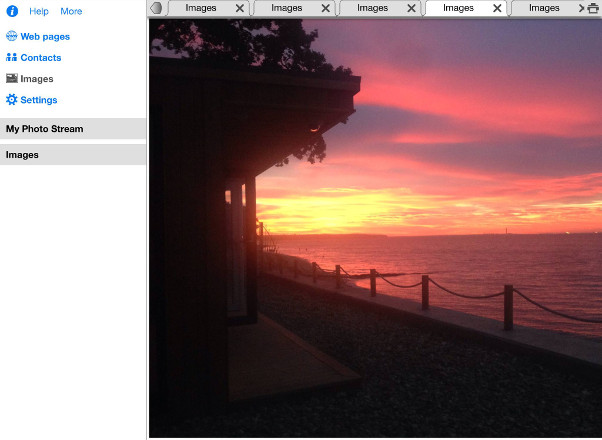
- Print photos
- Select and print multiple photos from your album
- Use the camera to take photos and print straight away
- Save photos as files for viewing or emailing
- Move photos to a folder on your computer
- Email photos as attachments or embedded in messages
- Select print orientation and size before printing
- View photos in full screen mode
Web Pages
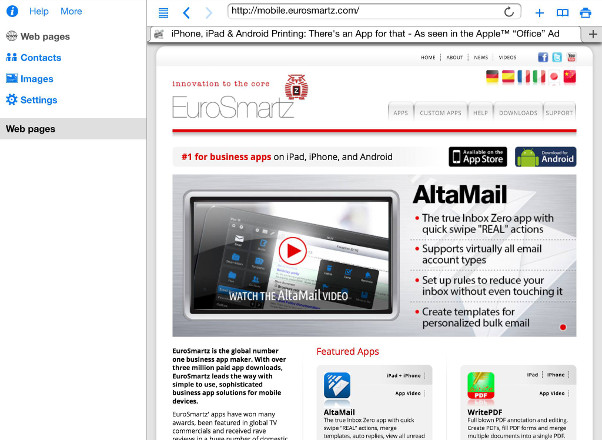
- Multi-tab browsing
- Print from Safari by inserting a z before http for any web page
- Print web pages as you are browsing within the app
- Send web pages as email attachments
- Full screen browsing view
- Save web pages as files for printing or viewing later
- Save page bookmarks
- Import bookmarks from your PC or Mac
- Bookmark folders
- Forward and back navigation


